

Test a surge protector by checking the indicator, using an outlet tester, and verifying wiring and grounding.
I’ve tested dozens of surge protectors in homes and offices. I know what signs mean a protector still works and what failures look like. This guide shows exactly how to test surge protector units step by step. You will learn simple checks, the tools to use, when to replace one, and safety tips from real experience. Read on to protect your gear and your peace of mind.
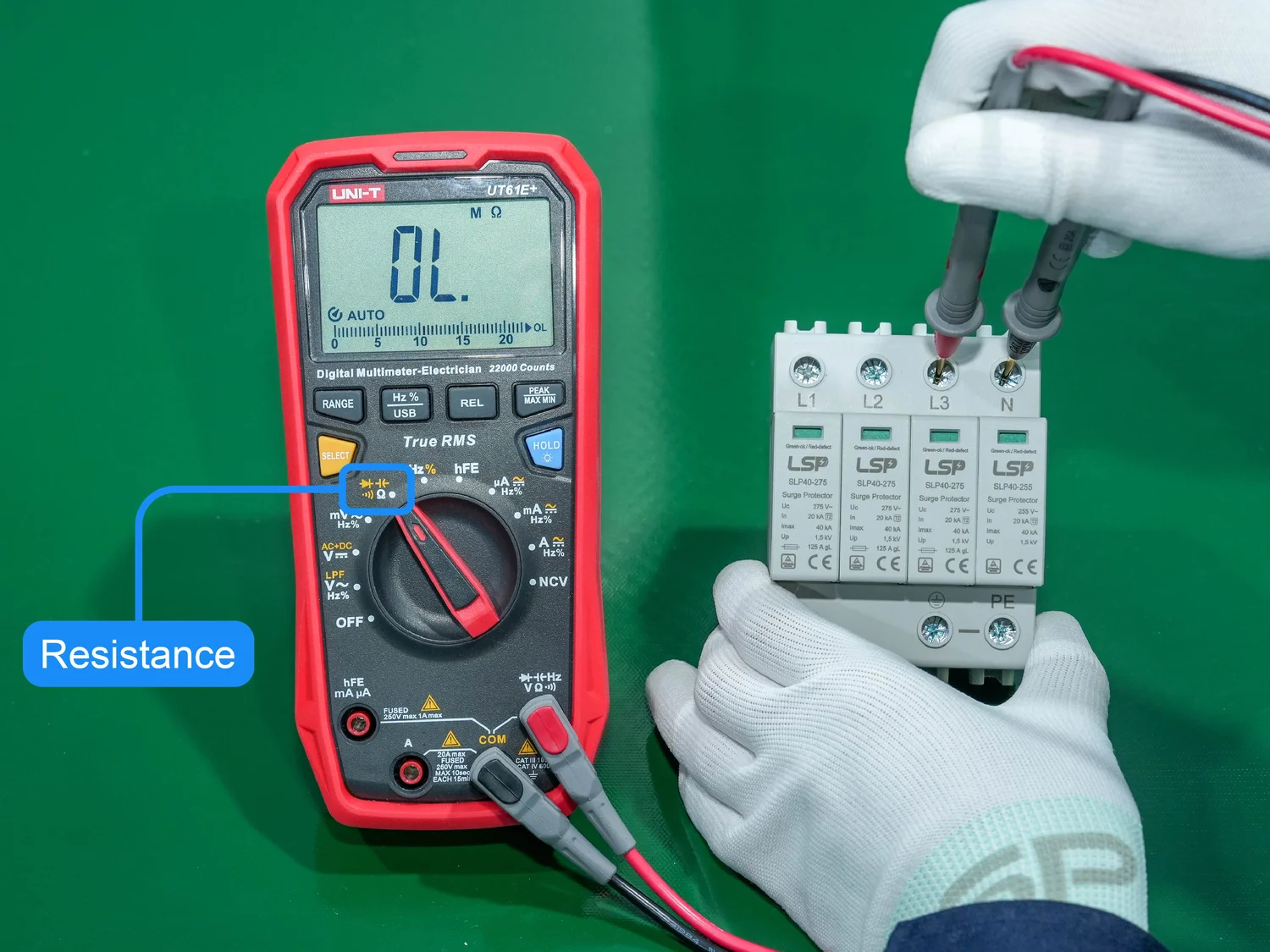
How surge protectors work
Surge protectors guard devices from voltage spikes. They use metal-oxide varistors (MOVs) or other components to divert extra energy away from plugged devices. The device rating shows clamping voltage and joule capacity. The joule rating tells how much surge energy the protector can absorb before it fails.
A protector may look fine but have worn MOVs. Most protectors include an indicator light that shows protection status. But some units only show power status. That is why testing matters. Knowing how to test surge protector helps you catch hidden failures.

When to test a surge protector
Test a surge protector after any major lightning storm or power event. Test annually for older units or if you depend on expensive electronics. Test after moving the unit or if the indicator light changes. Also test before plugging in a new TV, PC, or audio system.
Age matters. Many surge protectors degrade over time. If you do not test, a failed protector may give a false sense of safety. Regular testing keeps your devices safe and your mind calm.

Tools you’ll need
- Outlet tester with ground and polarity lights — checks wiring and ground.
- Digital multimeter — measures voltage and continuity.
- Plug-in surge outlet tester or dedicated surge tester — simulates clamping behavior.
- Screwdriver and flashlight — for visual checks.
- Gloves and safety glasses — for safe handling.
These tools are affordable and easy to use. A plug-in tester is the simplest way to start. A surge tester gives deeper insight. Learning how to test surge protector with basic tools is enough for most homeowners.
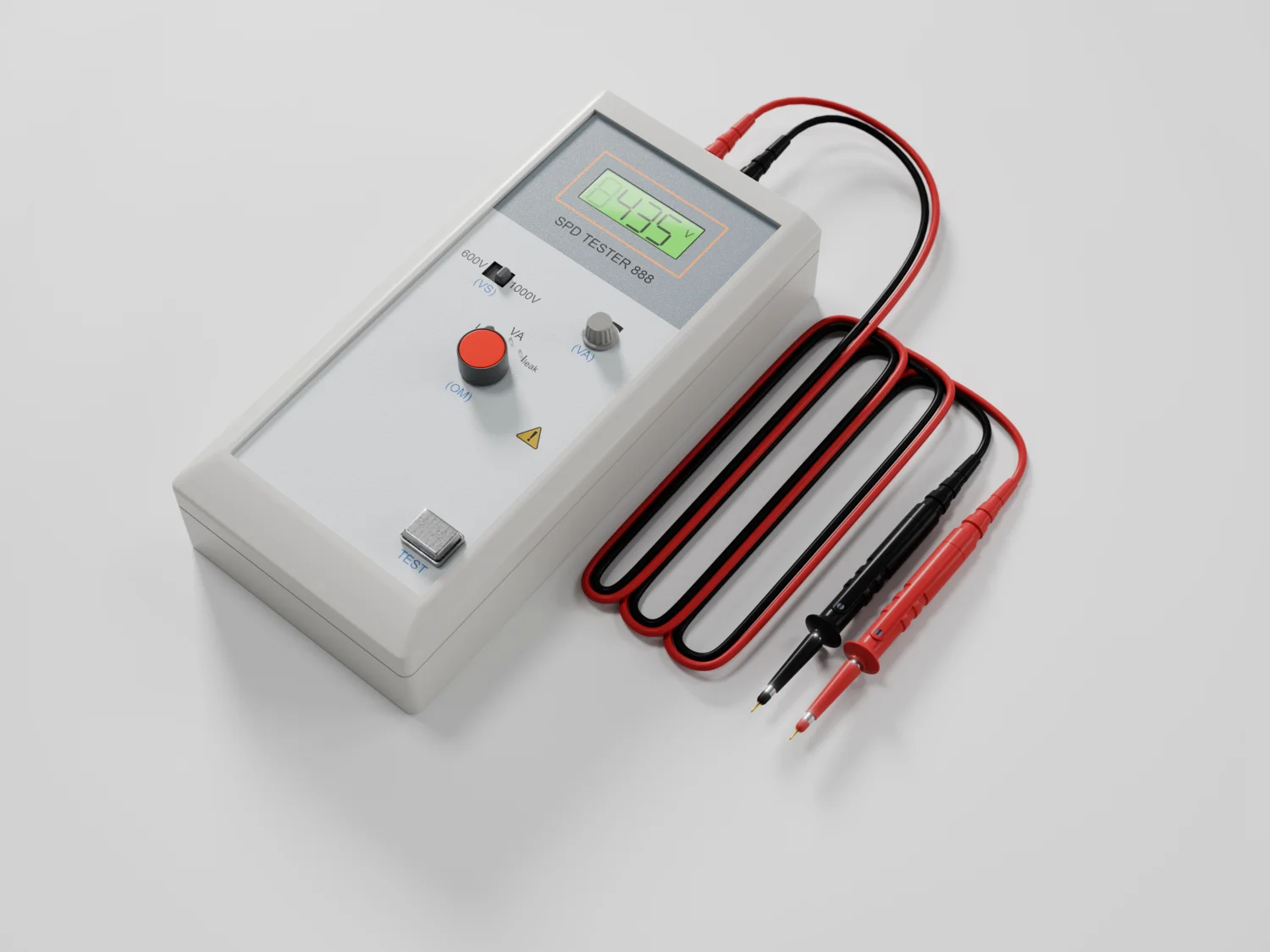
Step-by-step: How to test surge protector safely
- Prepare and unplug devices
- Turn off and unplug all devices from the surge protector.
- Unplug the protector from the wall. Let it sit for a few minutes.
- Visual inspection
- Look for burn marks, melted plastic, or a swollen case.
- Check the cord for cuts, kinks, or loose prongs.
- Check indicator lights
- Plug the protector into a known good outlet.
- Turn it on and observe the indicator light. Protection lights usually show a green or labeled status.
- If the protector powers on but the protection light is off, protection may be gone.
- Test outlet wiring and ground
- Plug an outlet tester into the surge protector’s outlets.
- Verify proper wiring and ground. The tester lights tell if there is an open ground or reversed polarity.
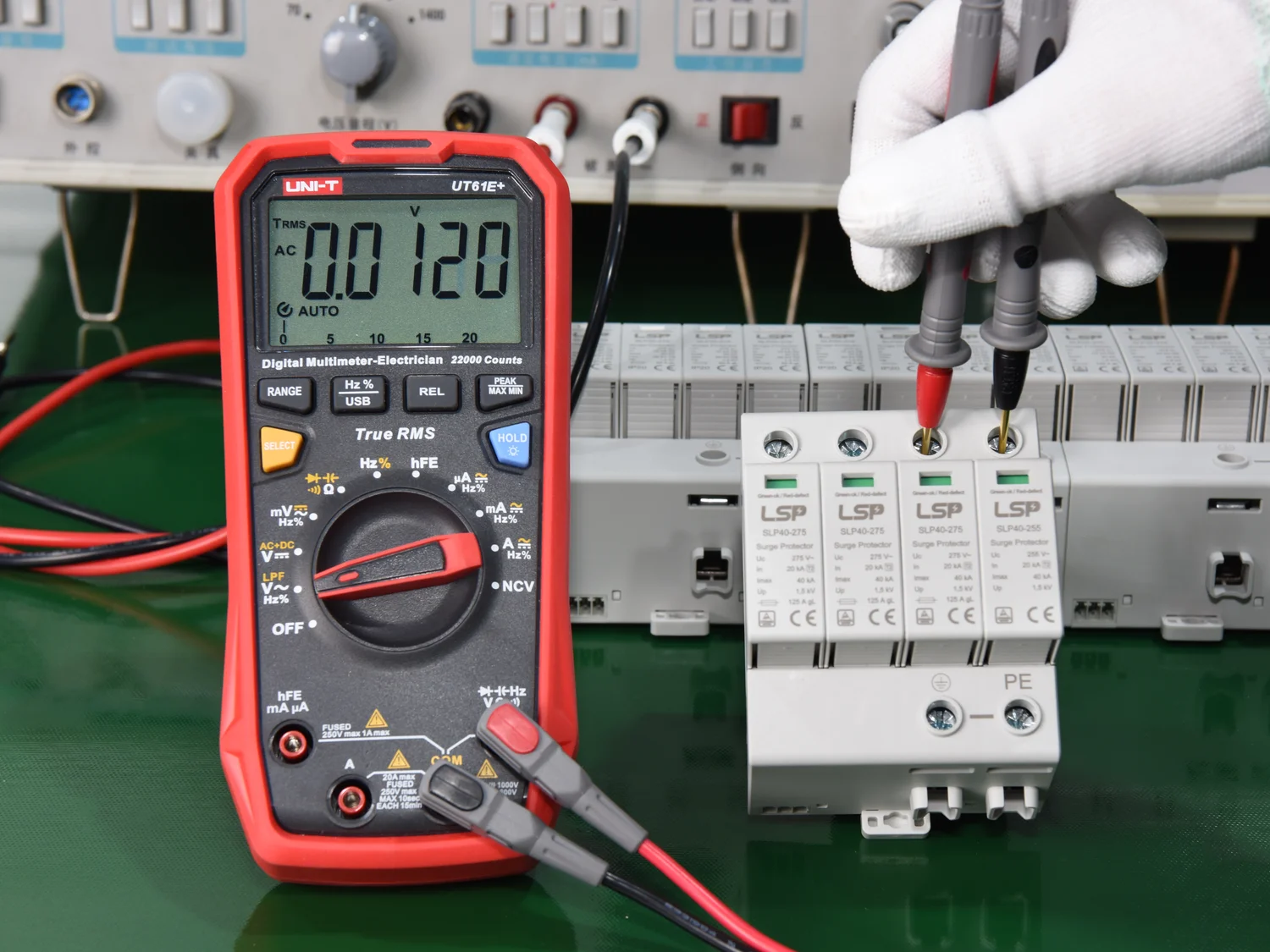
- Measure voltage with a multimeter
* Set the multimeter to AC volts.- Measure the outlet voltage through the surge protector. It should read near your nominal supply (around 120V in the US).
- Large voltage drops or odd readings suggest wiring or internal failure.
- Check continuity of the ground
- With power off and protector unplugged, set the multimeter to continuity.
- Test continuity between the ground pin and the protector’s metal chassis or ground terminal if visible.
- Use a surge tester for clamping behavior
- Plug a dedicated surge tester into the supply through the protector.
- The tester will simulate a surge and show whether the protector clamps as expected.
- Do not attempt to create your own surges. That is unsafe.
- Reset and final check
- If your protector has a reset button, press it after tests.
- Plug in low-risk device and confirm normal operation.
Follow these steps to know how to test surge protector units correctly. If any test fails, replace the protector right away.

Advanced testing and when to call a professional
Dedicated surge testers and lab tools can measure clamping voltages and response times. These devices give precise data on how the protector will behave in real surges. Professionals can also test at the electrical panel and check whole-house surge protection.
Call an electrician if you find wiring faults, open grounds, or inconsistent voltages. If you need whole-home protection or suspect damages at the panel, get professional help. Knowing how to test surge protector helps you decide when to call a pro.
Common mistakes and troubleshooting
- Relying only on the power light — Some protectors show power but not protection status.
- Testing without a grounded outlet — A good ground is vital for proper protection.
- Ignoring joule ratings — Low joule ratings wear out faster.
- Trying to create a surge — Never generate a surge to test a protector. It is dangerous.
- Keeping old protectors after a major surge — Replace them. MOVs degrade after events.
If the indicator light is off but the unit powers devices, replace the protector. If wiring is faulty, fix the wiring before trusting any surge protector.
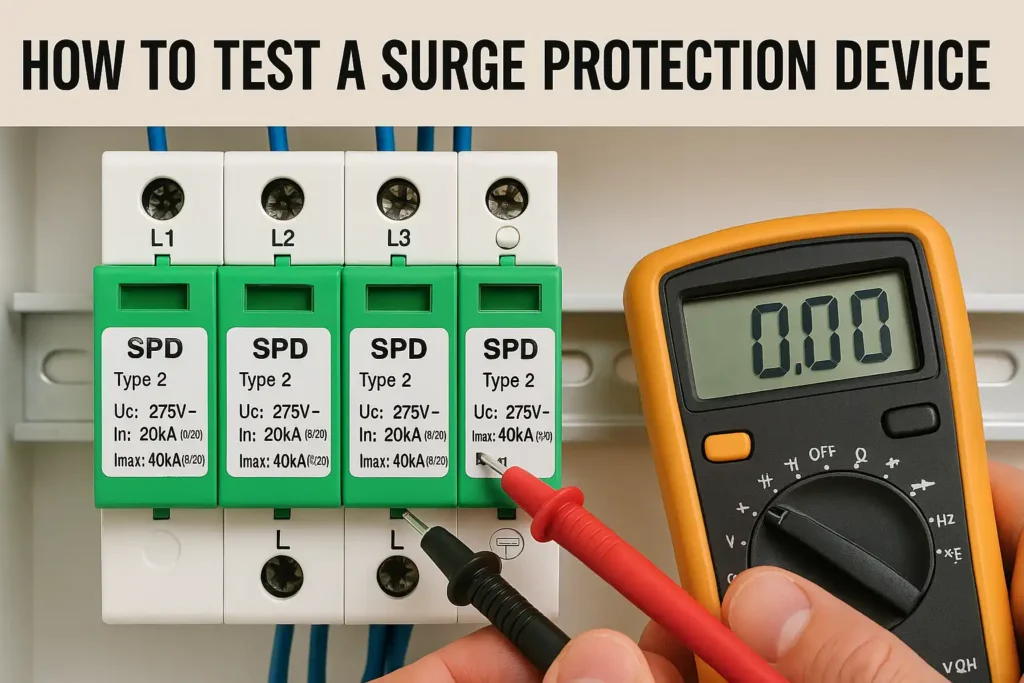
Personal tips and lessons from experience
I once trusted a battered surge strip for a desktop. After a small power event, the strip kept power but the protection light died. My PC survived, but I replaced the strip immediately. Now I keep simple habits.
- Replace after major storms. I replace protectors after big storms. It is cheap insurance.
- Label new units with install date. I write the purchase or install date on the unit.
- Use whole-home protection for big needs. For a home studio or server, I pair point-of-use protectors with panel-level protection.
These small steps save money and worry. When you learn how to test surge protector, you avoid surprises and protect your gear.

Frequently Asked Questions about how to test surge protector
How often should I test my surge protector?
Test your surge protector after any big power event and at least once a year for peace of mind. If you rely on critical gear, test more often.
Can I test a surge protector by plugging in a lamp?
A lamp confirms power flow but not surge protection. Use an outlet tester and indicator lights to check protection properly.
Does a multimeter measure surge protection directly?
No. A multimeter checks voltage and continuity. To test clamping action you need a dedicated surge tester or professional equipment.
Is it safe to open a surge protector to inspect parts?
No. Do not open sealed units. Internal components can hold charge and pose shock risks. Replace instead of repairing.
When should I replace a surge protector?
Replace after an indicator light fails, after a major surge, or when the unit is old and heavily used. Also replace if you find any physical damage.
Conclusion
Testing your surge protector is simple and smart. Follow the visual checks, use an outlet tester, verify wiring with a multimeter, and use a surge tester when needed. Replace any protector that fails a test or shows damage. Label new units and test regularly to keep devices safe.
Take action today: test the surge protectors you use most, note their install dates, and replace any suspect units. Share your testing tips or questions below, and subscribe for more practical home electrical guidance.