

Use a microfiber cloth and distilled water; gently wipe in straight strokes to avoid damage.
I’ve cleaned dozens of screens, including Samsung TVs, and I’ll walk you through safe, simple steps for how to clean Samsung TV screen without risking scratches, streaks, or warranty issues. This guide blends maker-friendly advice, hands-on tips from my experience, and clear steps so you can keep your Samsung TV looking great and working well.
Why proper cleaning matters for your Samsung TV screen
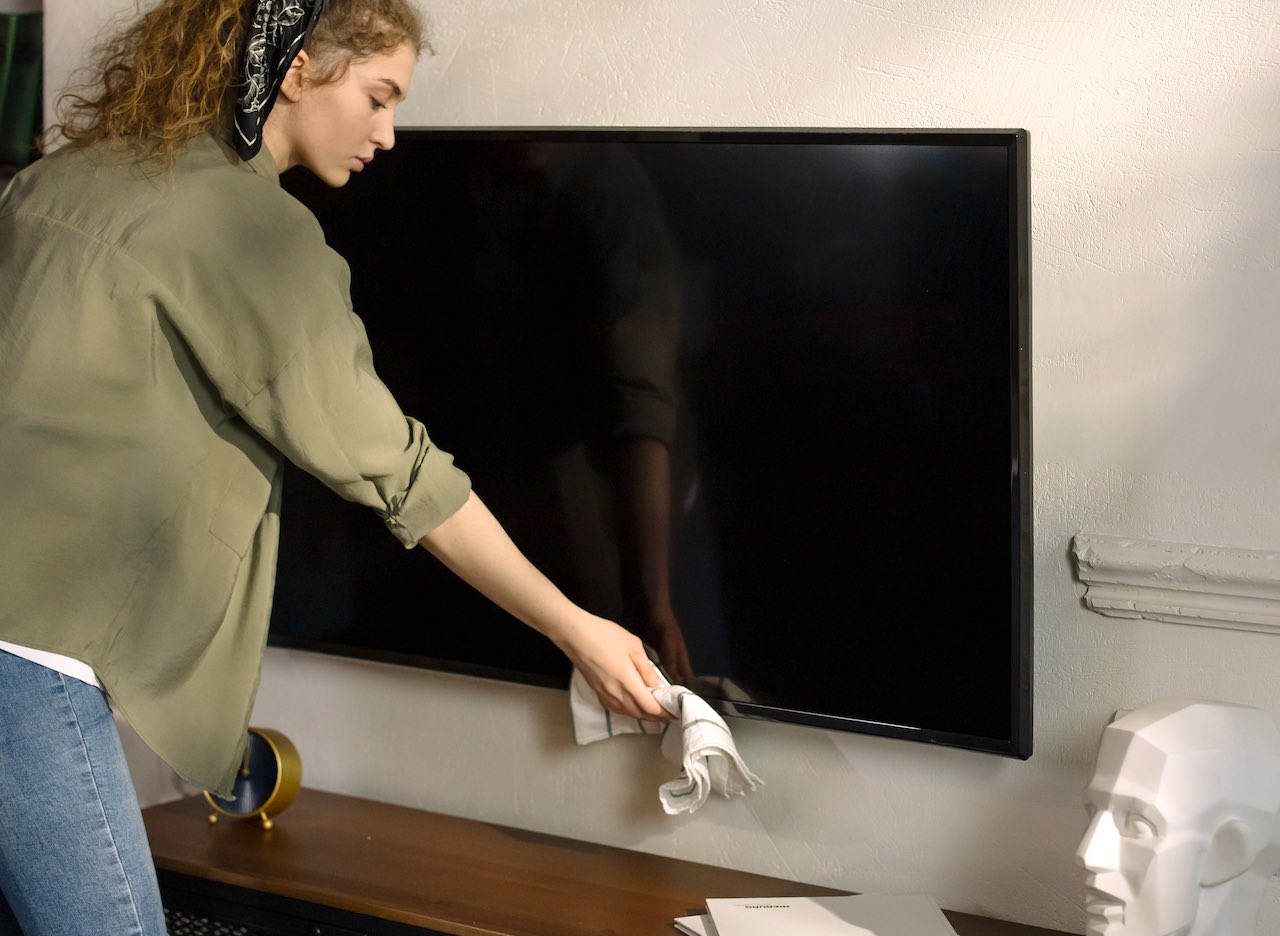
A clean screen gives sharper images and better color. Dust and oils can reduce contrast and slow motion clarity. Using the wrong products or scrubbing too hard can damage the screen coating or pixels. Learning how to clean Samsung TV screen the right way protects picture quality and extends the life of your set.
Tools and supplies you'll need
Gathering the right tools makes how to clean Samsung TV screen simple and safe. Use these items:
- Microfiber cloth, lint-free and soft.
- Distilled or deionized water to avoid mineral spots.
- 70% isopropyl alcohol solution only if recommended for your model.
- A spray bottle for mixing, if needed.
- Compressed air for dust in crevices.
I keep a small cleaning kit by my TV. It saves time and cuts the risk of using kitchen towels or glass cleaners.

Step-by-step: How to clean Samsung TV screen safely
Follow these clear steps to clean your Samsung TV screen with care.
- Power off and unplug the TV, then wait for it to cool. A cool screen shows smudges easier and reduces static.
- Remove loose dust with gentle strokes of compressed air or a dry microfiber cloth.
- For light smudges, fold the microfiber cloth and wipe in straight strokes from top to bottom. Avoid circular scrubbing.
- For fingerprints or oily spots, lightly dampen the cloth with distilled water. Wring the cloth so it’s damp, not wet.
- If a stronger cleaner is needed, mix a 50/50 solution of distilled water and 70% isopropyl alcohol only if your Samsung model allows it. Test on a corner first.
- Wipe gently and let the screen air dry. Do not spray liquid directly on the screen.
These steps show how to clean Samsung TV screen without excess moisture or harsh chemicals.
Cleaning specific stains and tricky areas
Different marks need different care when learning how to clean Samsung TV screen effectively.
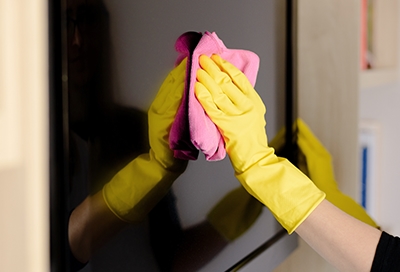
- Fingerprints: Use a damp microfiber cloth and light pressure. Repeat until clean.
- Sticky residue: Apply a little distilled water to a cloth and let it sit on the spot briefly before wiping.
- Dust in bezels or vents: Use compressed air and a soft brush to avoid pushing dust inside.
- Stubborn grime: Use the water-alcohol mix sparingly and only on tested areas.
I once tried a kitchen cleaner and found it left a foggy film. That mistake taught me to stick to mild solutions and testing first.
Maintenance tips and prevention
Small habits reduce how often you must deeply clean your Samsung TV screen.
- Dust weekly with a microfiber cloth.
- Keep food and drinks away from the screen area.
- Wash hands before handling remote or controls near the TV.
- Use a thin screen protector if you have pets or small kids.
I clean mine lightly every week. That makes deep cleaning quick and lowers the risk of damage.

Common mistakes to avoid
Avoid these errors when figuring out how to clean Samsung TV screen.
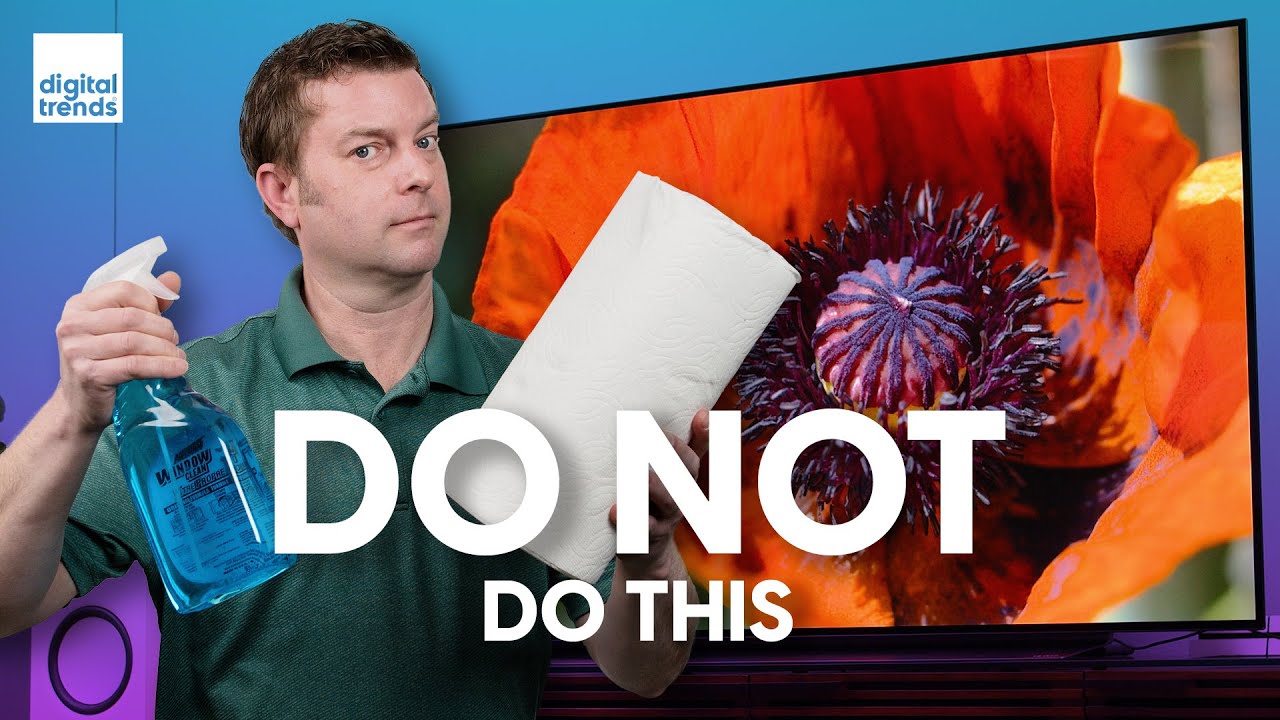
- Don’t use paper towels, tissues, or abrasive cloths; they scratch the coating.
- Don’t spray cleaners directly onto the screen; liquid can seep under the bezel.
- Don’t apply strong solvents, ammonia, or window cleaners; they strip coatings.
- Don’t press hard on OLED or QLED panels; pressure can cause permanent pixel damage.
I learned these rules the hard way after seeing a faint streak from a harsh cleaner. Gentle care works best.
Frequently Asked Questions of how to clean samsung tv screen
How often should I clean my Samsung TV screen?
Clean your Samsung TV screen lightly every one to two weeks to remove dust. Deep clean only when smudges or grime appear.
Can I use regular glass cleaner on my Samsung screen?
No, regular glass cleaners often contain ammonia and can damage screen coatings. Use distilled water or a recommended screen cleaning solution.
Is it safe to use alcohol on a Samsung TV screen?
Use a 50/50 distilled water and 70% isopropyl alcohol mix only if the model allows it, and test first on a corner. Avoid concentrated alcohol and full-strength solvents.
How do I remove stubborn stains without damaging the screen?
Dampen a microfiber cloth with distilled water, press gently on the stain, and wait a few seconds before wiping. For tough residue, use the tested water-alcohol mix sparingly.
What if my Samsung screen gets wet accidentally?
Turn off and unplug the TV immediately and let it air dry fully before powering on. Do not use heat sources or attempt to open the TV yourself.
Conclusion
Keeping your screen clean matters for picture quality and TV health, and knowing how to clean Samsung TV screen correctly protects your investment. Follow gentle steps, use the right supplies, and make weekly light cleaning a habit. Try these tips today, share your results, and leave a comment or question if you want model-specific advice.