

Most comfortable office chair for home office has lumbar support, adjustable armrests, and breathable cushioning.
I’ve spent years testing chairs and helping people set up home offices, so I know what makes a comfortable office chair for home office truly work. This guide explains what to look for, how to choose the right model for your body, and simple setup and maintenance tips. Read on to find a chair that reduces pain, boosts focus, and fits your budget and space.
Why a comfortable office chair for home office matters
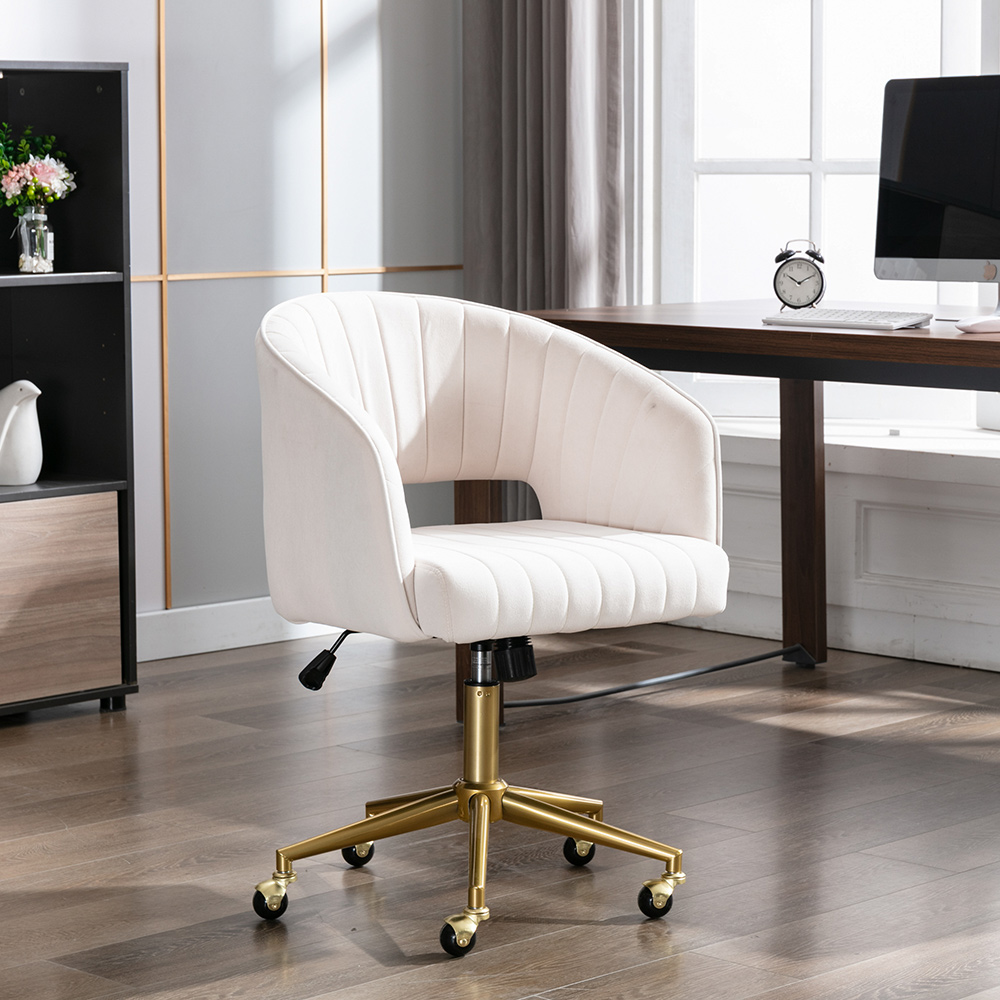
A good chair keeps you pain-free through long workdays. Sitting in the wrong chair strains your back, neck, and hips. A comfortable office chair for home office improves posture, focus, and productivity. Investing in the right chair is one of the easiest ways to improve daily comfort and long-term health.

Key features to look for in a comfortable office chair for home office
Choose a chair with adjustable lumbar support. Lumbar support helps the lower back stay aligned and reduces slouching. Look for adjustable seat height and seat depth to fit your legs properly. Armrests should be adjustable to support your forearms without lifting your shoulders. Breathable materials, like mesh, help with airflow and comfort. A sturdy tilt mechanism and good recline let you change posture through the day.

Types of comfortable office chair for home office and who they suit
Ergonomic mesh chairs are light and breathable and suit warm rooms and active sitters. Leather or faux leather chairs look sharp and offer firm support for executive-style setups. Kneeling chairs reduce lower back pressure but need time to adapt and suit short work sessions. Saddle stools encourage open hip angles and suit creative workspaces. Task chairs are versatile and budget-friendly for most home offices.

How to choose the right size and fit
Measure your desk height and your leg length before buying. Your feet should rest flat on the floor with knees at about 90 degrees. Seat depth should allow two to three finger widths between the back of your knee and the seat. If you share a workspace, choose a chair with wider adjustment ranges. Trying a chair in person helps, but check return policies when buying online.
Ergonomic adjustments and setup for peak comfort
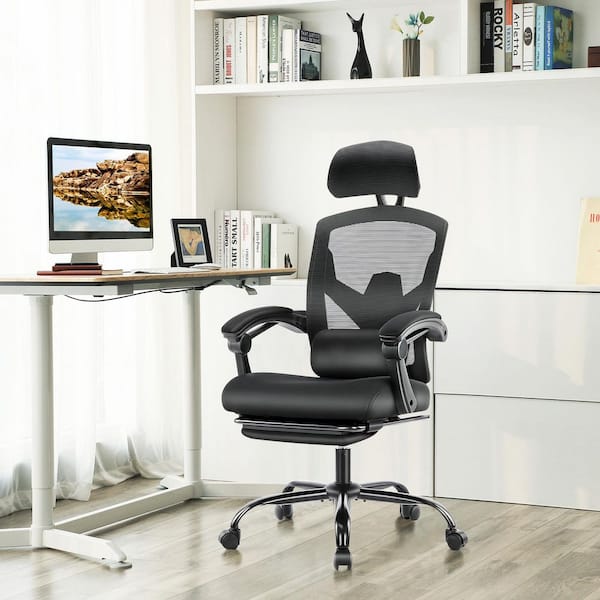
Set the seat height so your feet are flat and your thighs are parallel to the floor. Adjust lumbar support to match the curve of your lower back. Set armrests so your shoulders are relaxed and your elbows are close to your body. Tilt the chair slightly backward to reduce pressure on your spine. Use a footrest if your feet do not reach the floor comfortably.

Top maintenance tips and expected lifespan
Clean mesh with mild soap and water to keep airflow and avoid fabric breakdown. Tighten screws and bolts every few months to keep the chair stable. Replace casters when they wear for smooth movement on your floor. Quality chairs last five to ten years with care, while budget models may need replacing sooner. Regular checks extend lifespan and keep your comfortable office chair for home office performing well.
Budgeting and popular price ranges
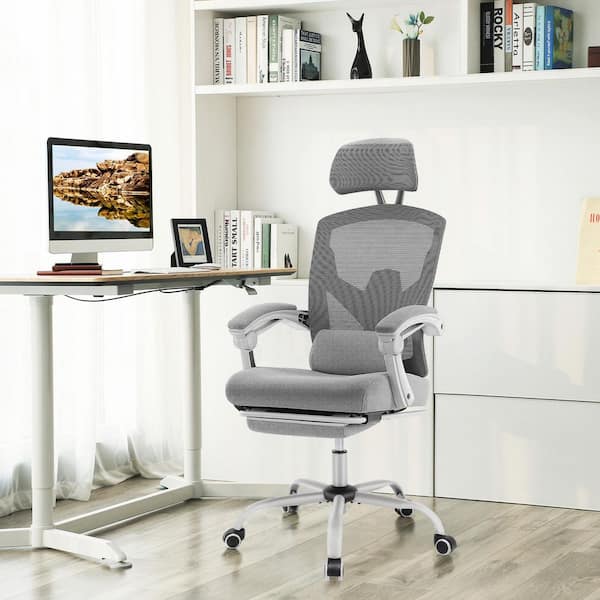
Entry-level comfortable office chair for home office models often cost under $150 and cover basic needs. Mid-range chairs between $150 and $500 add stronger adjustments and better materials. High-end ergonomic chairs above $500 provide custom adjustments and longer warranties. Set a realistic budget and prioritize features you need most, like lumbar support or arm adjustability.

Common mistakes to avoid when choosing a comfortable office chair for home office
Buying on looks alone can leave you with poor support. Ignoring adjustability means a chair won’t fit your body. Skipping a test sit or return policy risks being stuck with an uncomfortable chair. Choosing too small or too large a seat creates strain. Neglecting warranty or customer reviews can miss hidden issues.
My personal experience and lessons learned
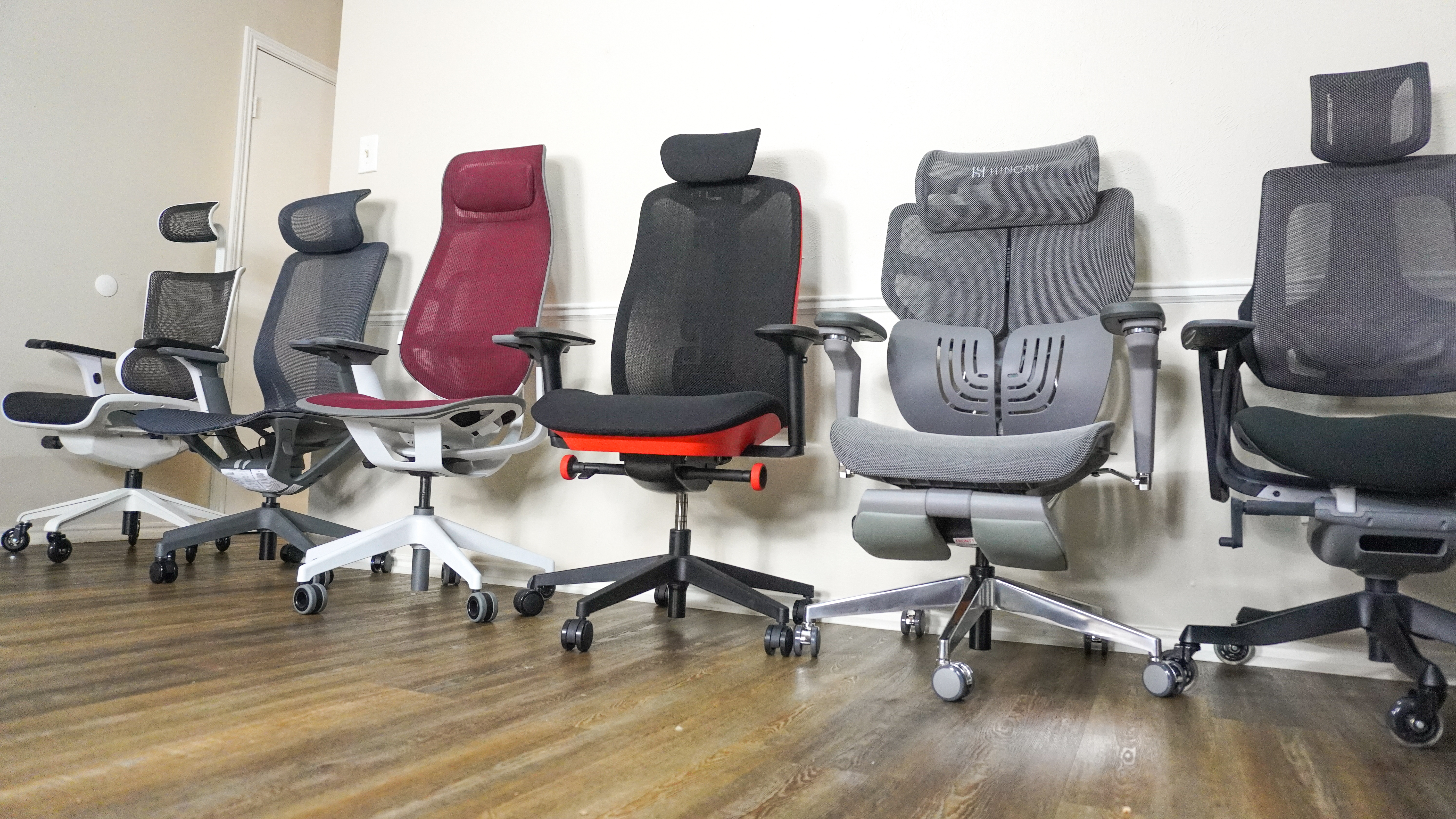
I once bought an inexpensive chair for a tight budget. It looked nice but caused lower back pain within weeks. I upgraded to a chair with adjustable lumbar support and immediate relief followed. Lesson learned: spend more on key ergonomic features and less on style. Testing a chair at home for a few days reveals comfort far better than specs alone.
Comfortable office chair for home office buying checklist
- Seat height
- Ensure it adjusts to your desk and lets your feet rest flat on the floor.
- Lumbar support
- Look for adjustable support that fits your lower back curve.
- Armrests
- Make sure they move up, down, and in or out to suit your typing position.
- Seat depth and width
- Confirm two to three finger widths behind your knees and enough width for movement.
- Material and breathability
- Choose mesh for airflow or fabric/leather for durability and style.
- Tilt and recline
- Ensure a stable tilt mechanism that locks for focused work and reclines for breaks.
- Warranty and return
- Check repair coverage and a trial period to test comfort at home.
How to test a comfortable office chair for home office at home
Set up the chair at your desk and work for at least one hour. Notice your lower back, neck, and shoulders for any tension. Try phone calls, emails, and focused typing to test different postures. Adjust features step by step to find the best combination. If pain starts within a short time, consider a different model or add a lumbar pillow.
Accessories that improve a comfortable office chair for home office
- Lumbar pillow
- Adds targeted lower back support when built-in support is weak.
- Seat cushion
- Boosts comfort for long sessions and distributes pressure.
- Footrest
- Helps maintain proper leg angles and reduces fatigue.
- Chair mat
- Protects floors and allows smoother rolling of casters.
- Headrest
- Supports the neck during breaks and reduces strain during recline.
Frequently Asked Questions of comfortable office chair for home office
What makes a chair truly comfortable for a home office?
A truly comfortable chair fits your body, offers adjustable lumbar support, and allows changes in posture. Breathable materials and proper seat depth also matter for long comfort.
How important is lumbar support in a comfortable office chair for home office?
Lumbar support is crucial to keep the lower spine aligned and reduce slouching over time. Without it, you may develop mid and lower back pain after long sitting periods.
Can a cheaper comfortable office chair for home office be worth it?
Yes, a cheaper chair can work if it has key adjustments like seat height and basic lumbar support. However, very low-cost models often lack durability and full adjustability.
How long should I test a comfortable office chair for home office before deciding?
Use the chair for at least a few work sessions or a week if possible. Short tests may feel fine, but longer use reveals true comfort and any pressure points.
Is mesh or leather better for a comfortable office chair for home office?
Mesh offers breathability and coolness, great for long hours. Leather can feel firmer and warmer but looks premium; choose based on comfort and climate preference.
Conclusion
Choosing a comfortable office chair for home office improves comfort, health, and work focus. Focus on lumbar support, adjustability, and proper fit more than brand names. Test chairs when you can, budget for key features, and maintain your chair to extend its life. Take action today: measure your workspace, try a chair with the right adjustments, and invest in the comfort that keeps you productive. Leave a comment about your favorite chair or subscribe for more home office tips.